


LAKIWIN Register Guide: Create an Account & Complete Mobile Verification
LAKIWIN Register allows eligible users in the Philippines to create an account through a mobile number verification process — with a phone number field, terms and conditions agreement, and verification options within a combined login and registration window.
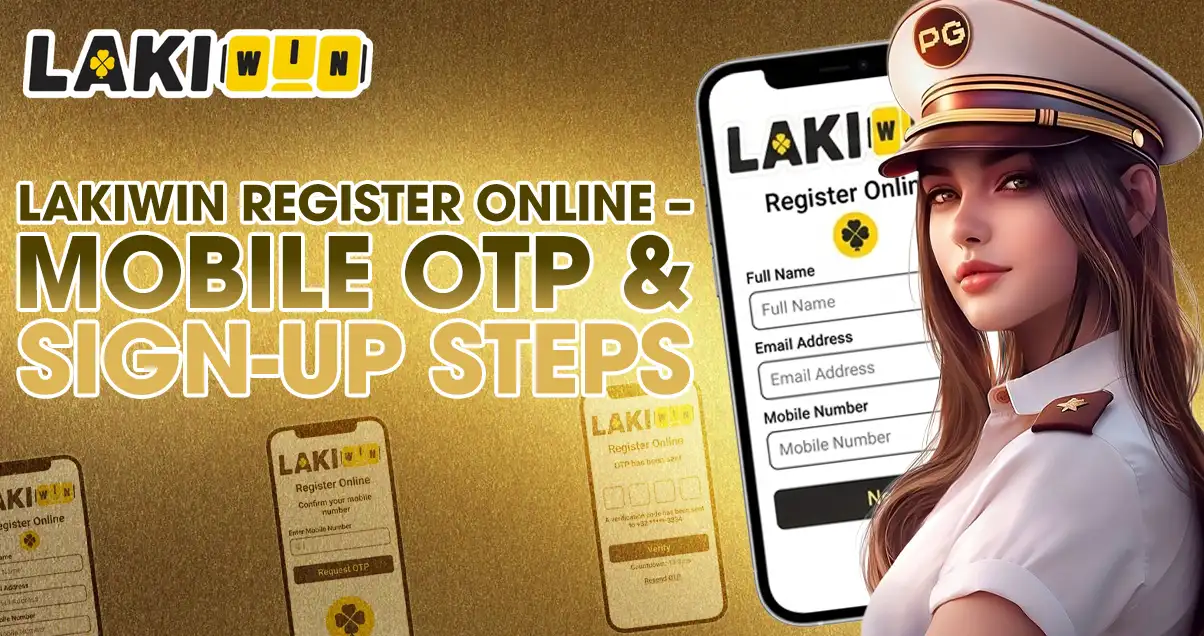
LAKIWIN Register allows eligible users in the Philippines to create an account through a mobile number verification process. The registration interface includes a phone number field, terms and conditions agreement, and verification options within a combined login and registration window.
Unlike traditional sign-up forms, LAKIWIN registration begins with mobile authentication, making it important to understand the verification steps and account requirements before proceeding.
This guide covers how to register on LAKIWIN, complete mobile verification, access the platform on Android or iPhone, resolve common registration issues, and protect your account information.
What Is LAKIWIN Register?
LAKIWIN Register is the account creation process that allows eligible users to sign up using a mobile number. The platform combines registration and login into one interface, with mobile verification and account authentication options.
LAKIWIN has appeared in PAGCOR documentation under RAC Phil Corp., with www.LakiWin.com listed as an associated domain. Users should verify the platform's current regulatory status through official PAGCOR records — see PAGCOR's official website for the latest information.
The registration interface includes:
- Mobile Number: Enter a phone number for account identification.
- Terms & Conditions: Review and accept the platform's rules.
- Send Verification: Request a mobile authentication code.
- Submit: Complete the required verification steps.
- Alternative Login: Access existing accounts using password or QR code options.
LAKIWIN Register vs. LAKIWIN Login
Although both functions appear in the same interface, they serve different purposes.
| Feature | Register | Login |
|---|---|---|
| Purpose | Create an account | Access an existing account |
| Mobile number | Initial identification | Account authentication |
| Verification | Confirm mobile number | Verify account access |
| Password | May be required | Alternative login option |
LAKIWIN registration is intended for new users, while LAKIWIN Login allows existing account holders to access their accounts using supported authentication methods.
LAKIWIN Registration Requirements
Before starting the LAKIWIN Register process, users should understand the platform's eligibility, mobile verification, and account requirements.
Age Requirement
Must be at least 21 years old and meet applicable eligibility rules.
Mobile Number
An active phone number to receive verification codes.
Internet Connection
A stable connection to access the registration page.
Compatible Device
An Android phone, iPhone, or other supported device.
Terms & Conditions
Review and accept the platform's account policies.
Valid Identification
May be required for identity verification (KYC).
Users should ensure their mobile number is accurate and accessible before requesting a verification code. They should also review LAKIWIN's terms concerning account restrictions, personal information, and responsible gaming.
Note: Meeting the minimum age and technical requirements does not automatically guarantee account approval. Additional verification may be required.
How to Register on LAKIWIN
The LAKIWIN Register process begins with mobile number verification through the platform's combined login and registration interface.
Visit the Official LAKIWIN Website
Open the LAKIWIN website using a domain verified through PAGCOR's official records. Check the URL carefully before entering personal information, and avoid suspicious or unofficial links.
Find the LOGIN / REGISTER Section
Locate the LOGIN / REGISTER window on the website. This interface contains the mobile number field, terms and conditions checkbox, and verification buttons.
Enter Your Mobile Number
Type your active Philippine mobile number into the required field. Double-check the digits to avoid errors when receiving verification messages.
Accept the Terms & Conditions
Read the LAKIWIN Terms & Conditions and select the agreement checkbox if you accept the platform's rules and requirements.
Click Send Verification
Select the yellow Send Verification button to request an authentication code. A published registration walkthrough describes this as a six-digit OTP sent to the entered mobile number, although the current procedure may vary.
Enter the OTP Verification Code
If you receive an OTP, enter it into the designated field before it expires. Keep the code private and never share it with anyone, including individuals claiming to be customer support representatives.
Submit Your Registration
After completing the required verification, click Submit when available. Follow any additional instructions to finish account creation or provide further verification information.
Important: Completing mobile verification does not necessarily mean the account is fully verified. Additional identity checks may be required before certain features become available.
Understanding the LAKIWIN Register Interface
The LAKIWIN Register interface combines account registration and login options in a single window, focusing on mobile number verification rather than a lengthy sign-up form.
| Interface Feature | Description |
|---|---|
| Mobile Number | Required field for entering a phone number used for account verification. |
| Terms & Conditions | Checkbox for acknowledging the platform's account rules. |
| Send Verification | Requests an authentication code for the entered mobile number. |
| Submit | Used to complete the required process once available. |
| Login With Password | Alternative sign-in method for existing accounts. |
| QR Code Login | Additional login option using QR code authentication. |
The Submit button appears grey in the provided screenshot, suggesting that additional steps may be required before it becomes active. Users should follow the instructions displayed on the current registration page.
LAKIWIN Mobile Number Verification — How Does It Work?
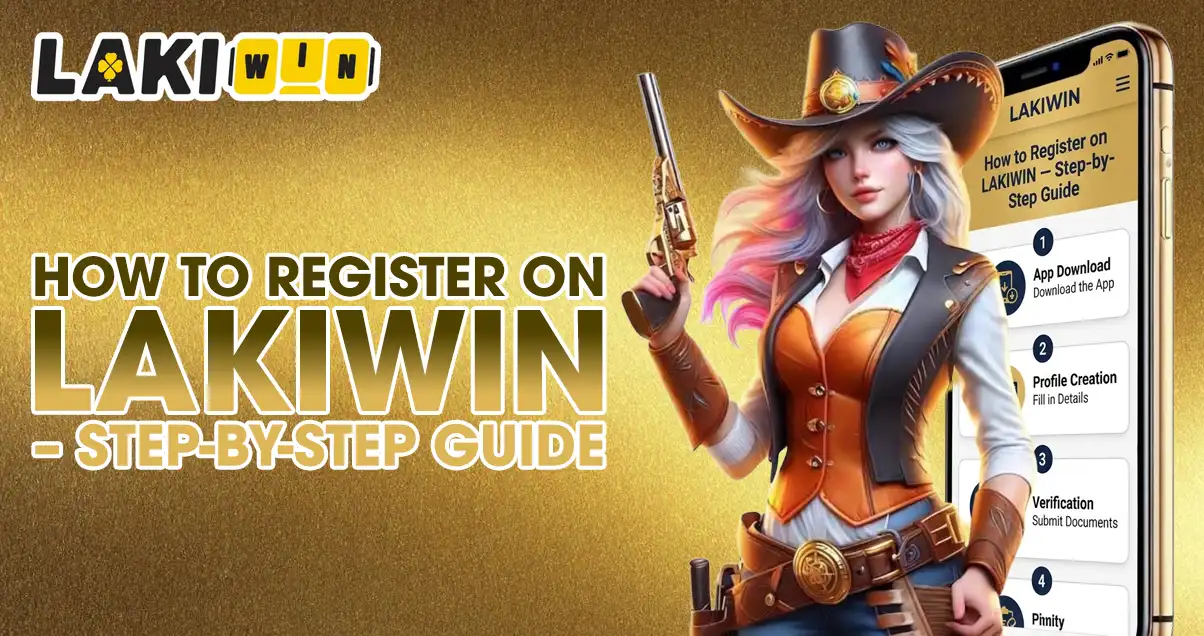
Mobile verification is an important part of LAKIWIN Register, helping confirm that users have access to the phone number associated with their account. The process involves a One-Time Password (OTP), a temporary authentication code sent to the registered mobile number.
An OTP is generally valid for a limited time and helps prevent unauthorized account access. If the code expires or does not arrive, users can request a new one through the available verification option, subject to any waiting periods or restrictions.
Security Reminder: Never share your OTP with anyone, including individuals claiming to represent LAKIWIN customer support. Mobile verification confirms access to a phone number but does not replace identity verification or other account eligibility checks.
LAKIWIN Register on Android and iPhone
The LAKIWIN Register process may be accessed on Android and iPhone through supported mobile browsers.
LAKIWIN Registration on Android
Android users can open Chrome or another supported browser and visit the verified LAKIWIN website. Once the LOGIN / REGISTER interface appears, they can enter their mobile number and follow the verification steps. If an Android APK is available, users should confirm its authenticity before installation.
LAKIWIN Registration on iPhone
iPhone users can access the LAKIWIN registration page through Safari or another compatible browser. The process generally follows the same mobile verification steps, although the interface may vary depending on the device or browser.
Security Reminder: Avoid unofficial APK downloads, suspicious registration links, and unverified applications. Use only authenticated website or app sources to protect account credentials and personal information.
LAKIWIN Register Not Working? Common Problems and Solutions
| Common Problem | Recommended Solution |
|---|---|
| OTP Not Received | Check your mobile number and signal, then request a new code if available. |
| Invalid Mobile Number | Verify the digits and follow the required phone number format. |
| Submit Button Disabled | Complete all required fields, accept the terms, and finish verification. |
| Expired OTP | Request a new verification code through the official interface. |
| Number Already Registered | Use the existing account login or recovery option instead of registering again. |
| Registration Page Not Loading | Check your connection, refresh the page, or try an updated browser. |
If registration problems continue, contact LAKIWIN's official customer support through a verified channel. Never share your OTP, password, or other sensitive account credentials when requesting assistance.
What Happens After LAKIWIN Registration?
After completing the LAKIWIN Register process, eligible users may access account features depending on their verification status and the platform's requirements.
- Account Profile: Review registered information, account details, and available settings.
- Identity Verification (KYC): Complete additional checks involving personal information or valid identification when required.
- Wallet and Transactions: View available balance information, transaction history, and supported payment features.
- Account Security: Manage available authentication settings and protect account credentials.
- Customer Support: Access official assistance for account verification, login issues, or other concerns.
Important: Completing mobile registration does not automatically grant access to every account feature. Additional identity verification may be required, and personal documents should only be submitted through verified LAKIWIN channels.
Is LAKIWIN Register Legit and Safe in the Philippines?
LAKIWIN Register is associated with the LAKIWIN gaming brand, listed under RAC Phil Corp. in PAGCOR's regulatory documentation. The official listing dated October 20, 2026, identifies www.LakiWin.com as its main registered domain. However, regulatory registration does not guarantee the safety of every website or application using the LAKIWIN name.
How to Verify LAKIWIN Registration Safety — Before entering personal information, users should:
- Check PAGCOR Records: Verify LAKIWIN's operator and registered domain through PAGCOR's official website.
- Confirm the Website URL: Ensure the domain matches an authorized listing.
- Avoid Fake Websites: Watch for suspicious links, misspelled domains, and unauthorized applications.
- Protect Account Credentials: Never share passwords, OTPs, or identification documents through unverified channels.
Although HTTPS helps protect information transmitted between a browser and a website, it does not independently prove legitimacy.
Important: Users should verify current regulatory information and use official account channels before completing LAKIWIN registration or submitting sensitive information.
LAKIWIN Register Bonus — What Should New Users Know?
New users exploring LAKIWIN Register may encounter advertised registration rewards, welcome bonuses, or first deposit promotions. Registration bonuses generally apply to eligible new accounts, while first deposit offers require a qualifying deposit. However, rewards are not automatically guaranteed after registration.
Before considering any LAKIWIN promotion, users should review:
- Eligibility: Account verification and qualification requirements.
- Bonus Conditions: Applicable wagering or turnover requirements.
- Campaign Validity: Promotion dates and availability.
- Withdrawal Rules: Restrictions on bonus funds and potential winnings.
Important: Advertised rewards may differ from the amounts users can actually claim or withdraw. Always review the current terms and conditions through verified LAKIWIN channels.
LAKIWIN Register and Account Security Tips
Protecting personal information is essential during the LAKIWIN Register process and when accessing an existing account.
Protect Your OTP
Never share verification codes, passwords, or login credentials, even with someone claiming to represent customer support.
Verify the Official Website
Check the domain before entering personal information, especially when following links from social media or messages.
Avoid Duplicate Accounts
Use official account recovery options instead of creating multiple accounts that may violate platform rules.
Keep Devices Updated
Install browser and operating system security updates to reduce potential vulnerabilities.
Avoid Unverified Apps
Download applications only from authenticated sources and review requested permissions.
Stay Alert
Following these precautions helps users protect their account information and recognize potential security threats.
Responsible Gaming and LAKIWIN Account Registration
Completing LAKIWIN Register does not remove the financial risks associated with real-money gaming. Gambling outcomes are unpredictable, and participation should be treated as entertainment rather than a reliable source of income.
Eligible users should set personal spending limits, avoid chasing losses, and never gamble with money intended for essential expenses. Those experiencing gambling-related difficulties should consider taking a break, using available self-exclusion options, or seeking professional support.
Responsible gaming begins with understanding the risks, respecting personal financial boundaries, and recognizing when to stop.
Register with Confidence
LAKIWIN Register provides a mobile-based account creation process involving phone number entry, terms and conditions acknowledgment, and OTP verification. Understanding these steps helps users complete registration, recognize common technical issues, and distinguish account creation from existing-account login.
Before registering, users should verify the official LAKIWIN website, protect their personal information, and understand the platform's eligibility and identity verification requirements. Since LAKIWIN involves real-money gaming, users should also recognize the financial risks, maintain responsible gaming habits, and never consider gambling a reliable source of income.
Frequently Asked Questions
What is LAKIWIN Register?
LAKIWIN Register is the account creation process that allows eligible users to sign up using a mobile number, with mobile verification and account authentication options combined in one interface.
What do I need to register?
You need to be at least 21 years old, have an active Philippine mobile number, a stable internet connection, a compatible device, and accept the platform's Terms & Conditions.
How long does the OTP take to arrive?
OTP delivery time depends on your mobile network. If it does not arrive, check your signal and request a new code through the official interface.
Can I register on both Android and iPhone?
Yes. LAKIWIN Register can be accessed through supported mobile browsers on Android and iOS devices.
What happens after I register?
You may access your account profile, complete identity verification if required, view your wallet, and manage security settings. Additional KYC may be needed before certain features become available.
Is LAKIWIN Register safe?
LAKIWIN is listed in PAGCOR documentation under RAC Phil Corp. Users should always verify the official website through PAGCOR's records before entering personal information.
Ready to Create Your LAKIWIN Account?
Join eligible players in the Philippines and access slots, live games, crash, bingo, and fishing — all in one platform.
Register Now →