


LAKIWIN Login: OTP & Password Access Explained
LAKIWIN Login is the authentication process that allows registered users to access their LAKIWIN accounts through supported devices — using either mobile OTP verification or password-based sign-in.
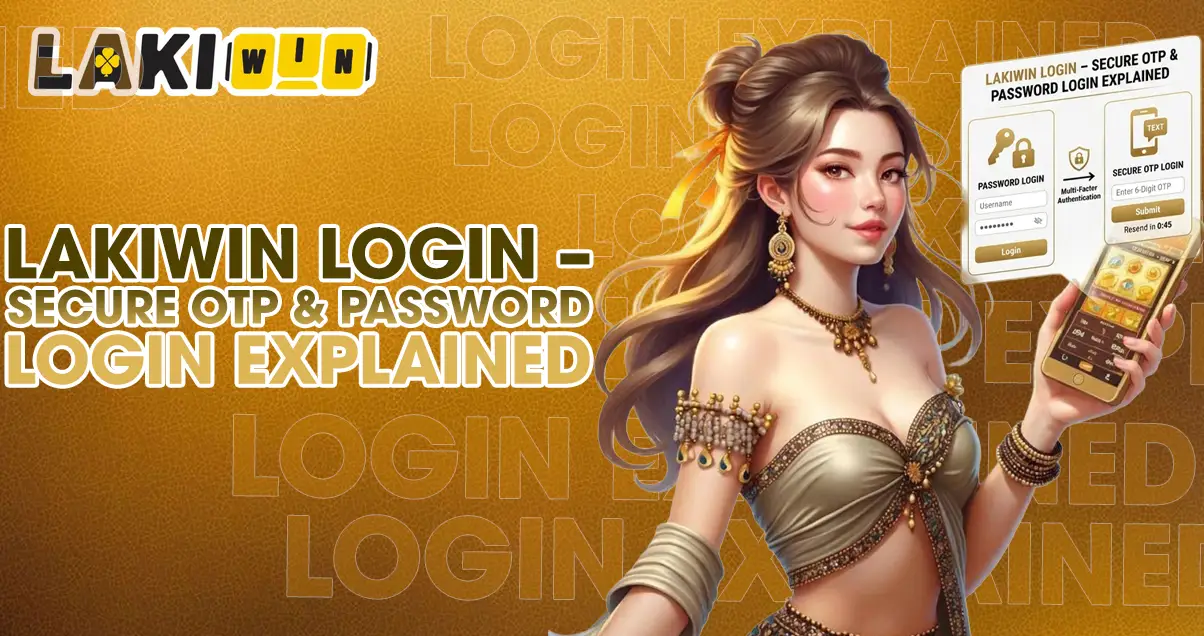
LAKIWIN Login is the authentication process that allows registered users to access their LAKIWIN accounts through supported devices. For users in the Philippines, understanding the available sign-in methods, verification requirements, and account recovery procedures is important for maintaining secure access.
Published LAKIWIN guides describe two authentication methods: mobile number verification using a one-time password (OTP) and password-based sign-in. These options provide different ways for existing account holders to verify their identity.
This guide focuses entirely on LAKIWIN Login, including how the process works, how to access an account using Android or iPhone, what to do when verification fails, and how to protect login credentials.
What Is LAKIWIN Login?
LAKIWIN Login refers to the process of verifying a registered user's identity before granting access to an existing LAKIWIN account. Instead of creating a new profile each time, registered users authenticate themselves using the credentials or verification methods supported by the platform.
The published login instructions identify two primary authentication options:
OTP Login
Uses a temporary verification code delivered to the registered Philippine mobile number.
Password Login
Uses the existing account credentials to authenticate the user.
The actual options displayed may depend on the current website version, account status, and security requirements. LAKIWIN Login is separate from registration — LAKIWIN Register creates an account, while logging in allows an existing account holder to regain access to their profile.
How to Complete LAKIWIN Login Using OTP
OTP authentication uses a temporary SMS code instead of requiring a permanent account password.
Open the Verified LAKIWIN Website
Confirm the complete website address before entering personal information.
Locate the Login Option
The published guide describes a button labeled "Login / Register" on the homepage.
Enter the Registered Mobile Number
Use the Philippine number associated with the account.
Request a Verification Code
Select the available SMS verification option.
Check the Incoming SMS
The published guide describes a six-digit verification code.
Enter the OTP
Type the received code in the appropriate verification field.
Submit the Code
Follow the displayed instructions to complete LAKIWIN Login.
This sequence is based on a publicly available tutorial rather than independent testing of the current interface.
Why Does LAKIWIN Login Require an OTP?
OTP authentication is intended to confirm access to a registered mobile number. Unlike a permanent password, an OTP usually expires after a limited period and may only be accepted for one authentication attempt.
Security Reminder: Users should never disclose their OTP to another person, including anyone claiming to represent customer support.
How to Use LAKIWIN Login With a Password
Password authentication is another method described in published LAKIWIN account guides.
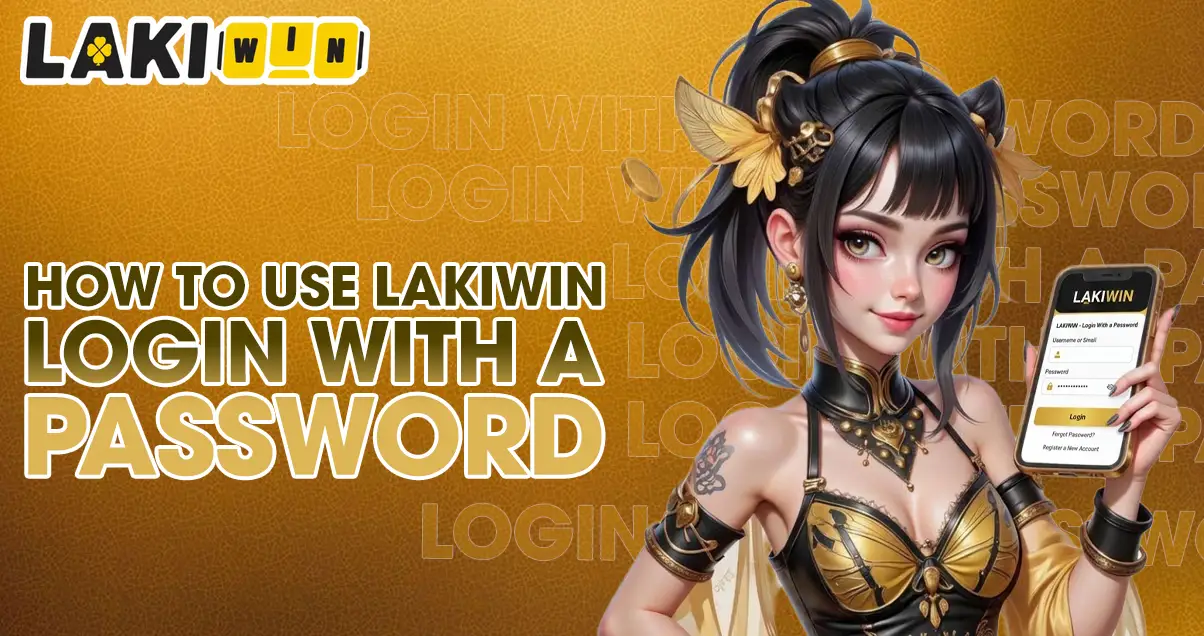
This method generally requires a registered account identifier and the password associated with that profile.
Open the Verified LAKIWIN Website
Confirm the URL before entering credentials.
Select the Account Login Option
Locate the sign-in section on the homepage.
Choose Password Authentication
If available on the current interface.
Enter the Account Identifier
Type the identifier requested by the login form.
Type the Registered Password
Check capitalization and keyboard settings before submitting.
Review for Typing Errors
Verify the information entered is accurate.
Submit Credentials
Complete any additional verification requested.
Security Reminder: Users should avoid entering passwords into unfamiliar pages or websites reached through unverified messages. If the password is no longer remembered, use the platform's recovery process rather than repeatedly guessing possible combinations.
LAKIWIN Login Across Devices
Access your account through supported mobile browsers or desktop.
Android Phones
Open Chrome or another updated mobile browser. Navigate directly to the verified LAKIWIN website, locate the Login section, and complete OTP or password authentication.
iPhone & iOS
Access LAKIWIN Login through Safari or another supported browser. If an iOS application is offered, verify its legitimacy through developer information from the verified operator.
Desktop & Laptop
Open the verified website through current versions of Chrome, Safari, or Microsoft Edge. If the page does not display correctly, update the browser or clear cached site data.
Security Reminder: Avoid installing unofficial APK files merely to access the login screen. Users should not assume that an application using the LAKIWIN name is authentic simply because it appears in a search result.
LAKIWIN Login Problems and How to Fix Them
Account access problems may involve the mobile network, authentication credentials, browser compatibility, or account security restrictions.
| LAKIWIN Login Issue | Possible Reason | Recommended Action |
|---|---|---|
| OTP not received | Delayed SMS or weak network coverage | Check signal and request a replacement code |
| Incorrect OTP | Expired or mistyped verification code | Use the latest issued code |
| Password rejected | Incorrect credentials | Check typing or use password recovery |
| Login page not opening | Browser or network problem | Retry using an updated browser |
| Account temporarily locked | Repeated failed attempts or security review | Contact verified support |
| Registered number unavailable | Lost or inactive SIM | Request official account recovery |
| Session expired | Authentication timeout | Sign in again through the verified website |
Detailed Troubleshooting
LAKIWIN Login OTP Not Received
If an SMS verification code does not arrive, check whether the registered mobile number is active and receiving ordinary text messages. Poor network coverage, delayed SMS delivery, or an incorrect mobile number can interfere with OTP-based authentication. Avoid repeatedly requesting codes in rapid succession, as an authentication system may impose temporary request limits.
LAKIWIN Login Password Incorrect
If the platform reports an incorrect password, first verify the entered information. Check capitalization, keyboard settings, and whether the correct account identifier was used. If the password remains unrecognized, use the official password reset function where available.
LAKIWIN Login Page Not Loading
A login screen may fail to load because of connection instability, browser problems, or temporary website issues. Try switching between mobile data and Wi-Fi, refreshing the verified page, or opening it in an updated browser. Do not treat an unfamiliar alternative domain as an official replacement unless its legitimacy can be confirmed.
How to Recover a LAKIWIN Login Password
A published LAKIWIN tutorial describes a password recovery process that uses the registered mobile number and SMS instructions. Depending on the current account interface, the process may involve selecting a password recovery option, entering the registered mobile number, and following the verification instructions.
After successful identity verification, users may be able to set a replacement password. A secure replacement password should be unique and should not be reused from email, banking, or other important accounts.
What If Your Registered Mobile Number Is Lost?
Losing access to a registered number can interfere with LAKIWIN Login when SMS authentication is required. If the SIM is lost, deactivated, or no longer receiving messages, the account holder may need assistance from the mobile service provider or verified LAKIWIN customer support.
Account recovery may require identity verification to prevent unauthorized access. Avoid asking another person to receive verification codes on your behalf or sharing sensitive documents through unofficial social media accounts.
How to Identify a Fake LAKIWIN Login Page
One of the most important precautions is distinguishing a genuine account authentication page from an imitation. A fake login page may copy a brand's logo, color scheme, and button labels to obtain account credentials.
Before signing in, check the complete domain name, confirm that the connection uses HTTPS, and compare the website information with current operator and regulatory references. HTTPS helps protect information in transit, but it does not prove that a website belongs to the legitimate operator.
LAKIWIN-branded websites appear under several similar domain names in search results. Their appearance alone is not proof of official status. Users can consult PAGCOR's regulatory information for relevant official references.
Important: Always verify the full domain before entering credentials. A familiar logo or color scheme does not guarantee authenticity.
LAKIWIN Login Security Tips
Protecting account credentials should remain a priority regardless of the authentication method.
- Use a unique password and do not disclose OTP codes, PINs, or recovery information.
- Avoid unfamiliar links shared by private messages, unsolicited advertisements, or impersonated support accounts.
- Sign out on shared computers after completing account activity and avoid saving passwords in browsers that other people can access.
- If unauthorized access is suspected, use verified recovery and support channels promptly.
Frequently Asked Questions
What is LAKIWIN Login?
LAKIWIN Login is the authentication process that allows registered users to access their accounts through supported devices, using OTP verification or password-based sign-in.
What are the two login methods?
Published guides describe OTP Login (temporary SMS code) and Password Login (existing account credentials).
Why does LAKIWIN Login require an OTP?
OTP confirms access to the registered mobile number. It usually expires after a limited period and may only be accepted for one authentication attempt.
What if my OTP does not arrive?
Check whether the registered number is active and receiving ordinary text messages. Avoid requesting codes in rapid succession, as temporary limits may apply.
How do I recover my password?
Use the platform's official password recovery option, which uses the registered mobile number and SMS instructions. Set a unique replacement password after verification.
How can I tell if a LAKIWIN Login page is fake?
Check the complete domain name, confirm HTTPS, and compare the website information with official PAGCOR regulatory references. A familiar logo alone is not proof of authenticity.
Final Thoughts About LAKIWIN Login
LAKIWIN Login is an essential account-access function for existing users who need to authenticate their identity through supported browsers or mobile devices. Understanding the differences between OTP and password authentication can help account holders recognize the verification steps required during sign-in.
Common difficulties, including missing verification codes, incorrect passwords, unavailable mobile numbers, and inaccessible login pages, should be handled through legitimate account recovery procedures. Most importantly, users should confirm website authenticity, protect personal credentials, avoid unofficial applications, and comply with the platform's eligibility requirements.
A secure LAKIWIN Login experience depends on accurate account information, careful verification, and responsible handling of authentication details.